
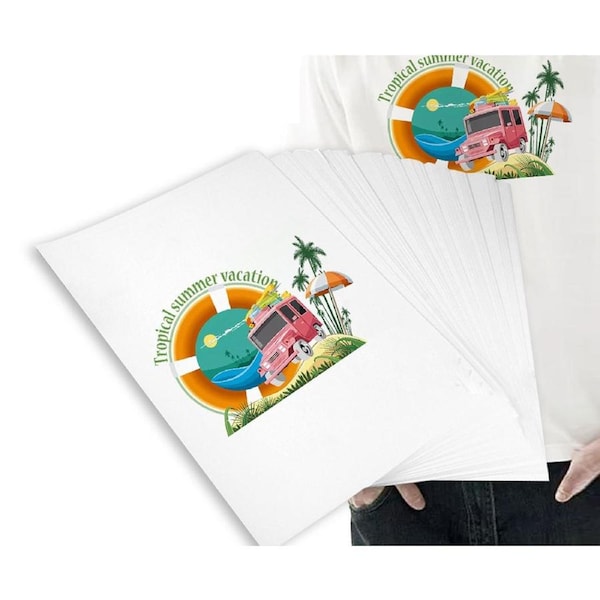


20 sheets A3 Heat Transfer Paper for Inkjet Printer Transfer Paper for T-shirts and Light and Dark Fabric
Features:
1.Professional Sublimation Results: This sublimation paper is engineered for use with dye-sublimation ink, transferring your designs into polyester fabrics or coated surfaces with exceptional clarity and vivid, photo-realistic color.
2.Permanent & Wash-Fast: Once heat-pressed, the sublimated dyes become part of the material itself, resulting in a smooth, durable finish that won't peel, crack, or fade even after repeated washing.
3.Easy & Efficient Workflow: Designed for hassle-free creativity. Just print your mirror-image design using a sublimation printer, then use a heat press to permanently transfer it onto your chosen substrate. Perfect for custom apparel, mugs, and coated accessories.
4.Versatile Application: Ideal for creating personalized t-shirts, sportswear, tote bags, mousepads, and any item with a high-polyester content or polymer coating, unlocking endless DIY and small-business possibilities.
Delivery Information
All orders are dispatched Same or the Next Business Day
Dispatch Closure: Our warehouse is closed on legal holidays. Please allow additional days for delivery for orders placed during this period.
Warranty
All products from Reec Home and Living come with a 3-month warranty against manufacturing faults and defects.
30 Days money back guarantee: If you are not happy with your purchase, just send them back within 30 days after receive the package.
-
Before returning an item, please contact our customer service for instructions.
-
If for any reason you are unsatisfied with your item, we will exchange your product or refund the purchase price, and we will need to deduct applicable freight fees from your refund.
-
All items must be returned in exact condition as sent.
-
Non-faulty items: Shipping is the responsibility of the buyer and is non-refundable.
100% satisfaction: If you have any questions or doubts after receiving the purchase, please do not hesitate to contact us before leaving unsatified feedback.
Instructions
Printing
Recommended the "printer media typesetting" as "photo quality inkjet paper" mode to conduct the optimum photo-quality printing result.
Selecting the "mirror image" option and using the best print quality is requested.
Use the single-sheet feed only.
Print to the matte side
Print the desired motif first onto regular photocopy paper to check that the color and size of the motif are correct. Motif has to be mirror-operated!
Print your motif onto transfer paper and leave it to dry for approx.1 minute before transferring.
Cut out the image, leaving a narrow margin of 5mm around the motif edges.
Because it is a slow-drying transfer paper, it can be printed within a few minutes after printing, or it can be blow-dried, but do not touch the image on the surface of the paper with your fingers. Fingerprints will be left on the image and the color will be stained! When fixing the drawing to the cup, do not rub the drawing back and forth on the cup body, it will rub the color of the paper surface and affect the printing quality!
Precautions for use:
Print on a highly viscous coated surface (if your fingers are moistened with water, which side of the paper is more sticky, print on which side), and then print after drying. Due to the coating on the surface, the paper will curl after seeing the air for a long time. Before printing, roll the paper in the opposite direction and fold down the two ends of the paper to avoid printer jams. (If the paper jam is serious, please printer properties The paper option is set to coated paper or envelope)!
Image can't be transferred by Electric iron.
Be sure to use sublimation transfer inks together.
Package Includes
-A3 transfer paper 20pcs